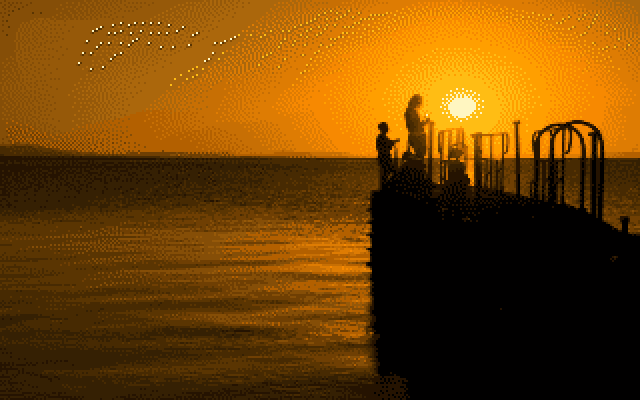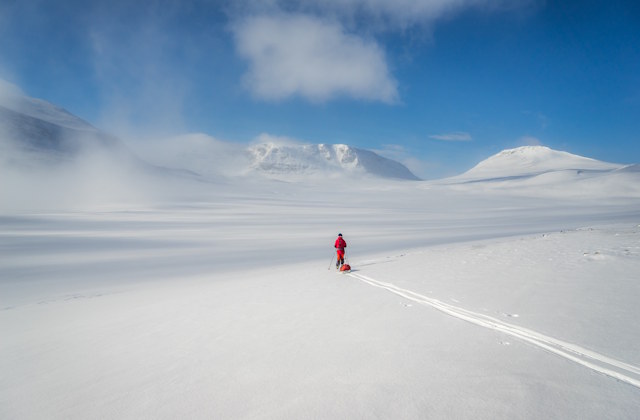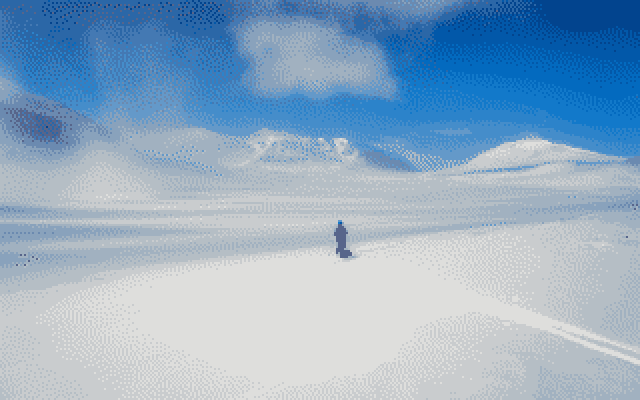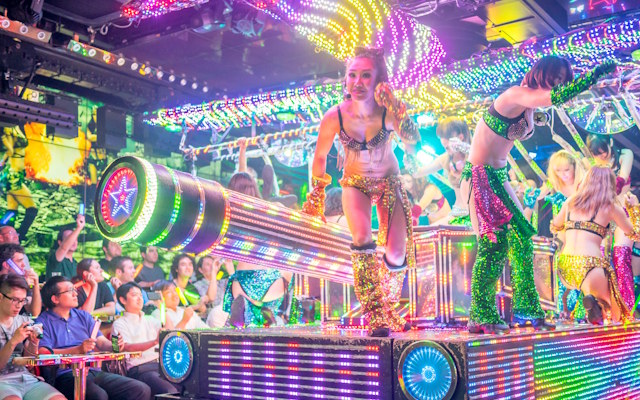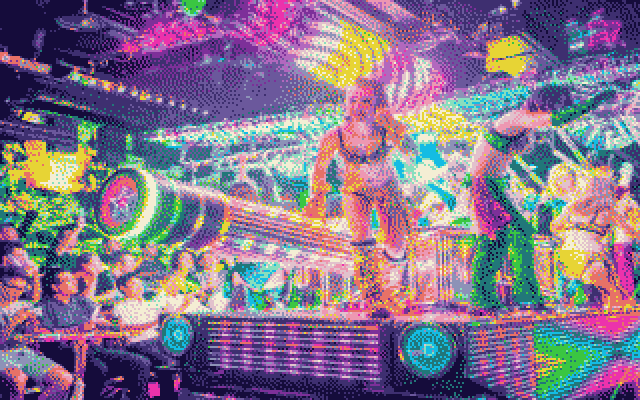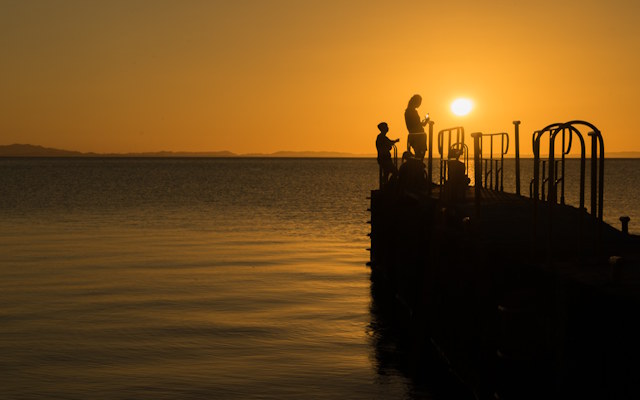
Convert photo to authentic Commodore 64 / CBM64 8-bit style using the real VIC-II 16-colour palette.
Open C64 ConverterThe VIC-II chip's 16-colour limit is important, every choice below is about working with that constraint the way C64 software did.
| Mode | Best for | Avoid for |
|---|---|---|
| 320×200 | Photos, landscapes, skies — any soft gradient | — |
| Multicolor | Game-art style images, medium-contrast subjects | Flat skies, smooth gradients |
| Hires | Portraits, logos, line art — sharp, high-contrast subjects | Soft photo landscapes, hazy skies |
| Chunky | Bold, extreme retro-poster look on any subject | Fine detail — resolution is very low |
Dithering creates the illusion of more colours by mixing pixels in patterns that trick the eye into seeing a blend — mixing light blue and white dots to suggest sky blue, for instance. The Commodore 64 itself had no automatic dithering: with the VIC-II chip's strict 16-colour limit, pixel artists placed every dithered dot by hand. The automatic algorithms here (Bayer included) are a modern convenience real C64 software never had, commonly used by retro converters to approximate that hand-placed look. Read more about the VIC-II 16-colour palette.
Hires and Multicolour apply the real VIC-II per-cell colour limit; Standard renders the same 320×200 resolution without it, so it's the better pick for continuous-tone photos where the cell constraint would just look blocky.
Open C64 Converter